Guide
Moving your workshop off spreadsheets
The hard part is not the software. It is doing the switch without losing a week of work in the middle of it.
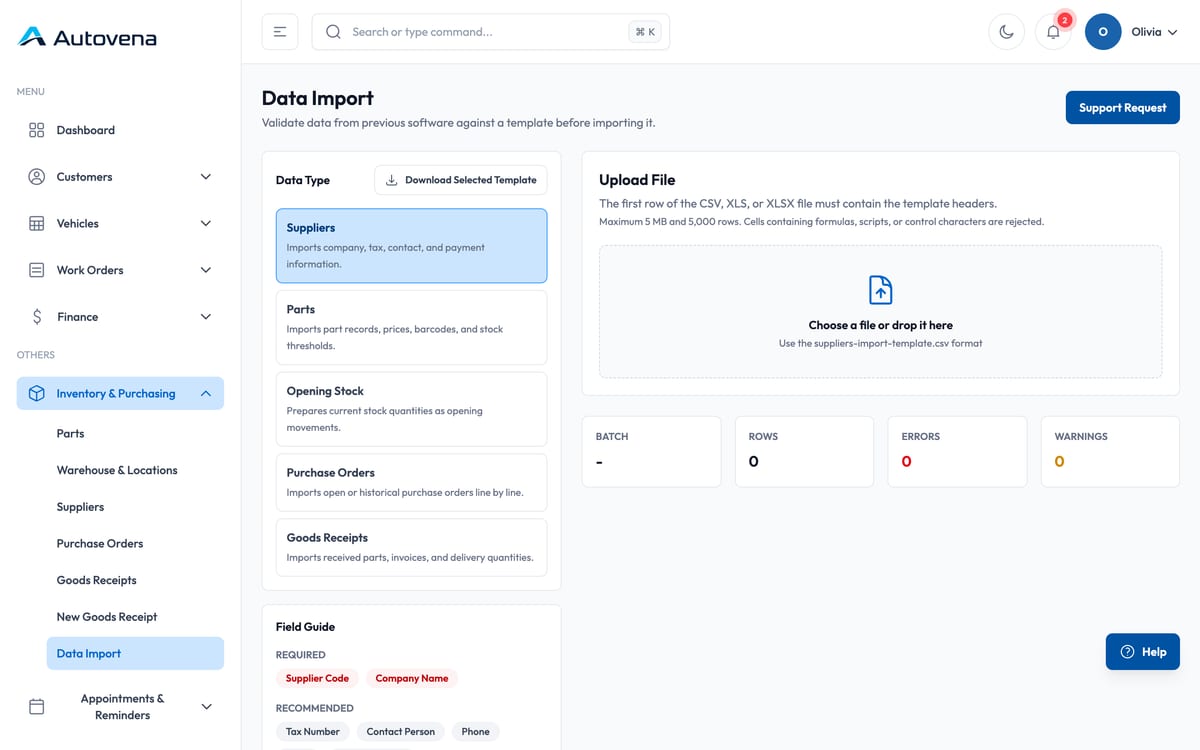
Do it in this order
-
Parts
Your stock list is the biggest typing job. Import it first.
-
Suppliers
Small list, needed before purchase orders make sense.
-
Opening stock
Count once, import the counts, start clean.
-
Customers
Add them as they come in rather than all at once.
-
Vehicles
Scan the VIN at check-in; the record builds itself.
-
History
Do not migrate it. Keep the old files read-only.
Do not migrate your history
Every shop asks about this and almost every shop regrets doing it. Old job history is worth less than you think and costs more to clean than you expect. Archive the spreadsheets somewhere safe and start the new system from today's date.
Run parallel for one week, not one month
A week is long enough to catch what you forgot and short enough that people do not settle into doing everything twice. Pick a date, tell the team, and stop the old way on that date.
What usually goes wrong
Two things: part codes that do not match between the old list and the supplier invoices, and stock counts taken over several days while parts are still moving. Fix the codes before importing, and count on a day the shop is closed.
Start with your next job.
Open an account in a minute, add your first vehicle, and see how it fits your shop. No card, no call, no commitment.