Invoicing and payments
Invoice the job, record the payment
From a completed work order to money in the till, without re-keying anything.
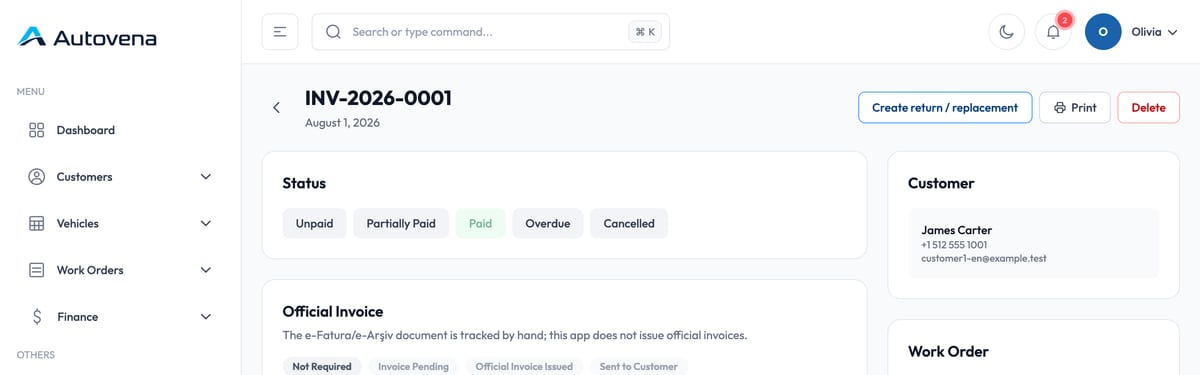
Invoices
A completed job carries its lines into the invoice: parts, labour, discounts and tax. Print it, save it as PDF or send it on.
- Sales invoices from work orders
- Trade sales for parts sold over the counter
- Purchase invoices from suppliers
- A queue of completed jobs waiting to be invoiced
Payments
Record cash, card or transfer, in full or in part. Partial payments allocate against specific open items, so you always know which invoice is still short.
Mistakes
A payment entered wrongly is reversed with a correcting entry rather than deleted. The open balance reopens, and the history of what happened stays intact.
Country-specific electronic invoicing and statutory document compliance are not part of the product today, and are not sold as an add-on.
Start with your next job.
Open an account in a minute, add your first vehicle, and see how it fits your shop. No card, no call, no commitment.